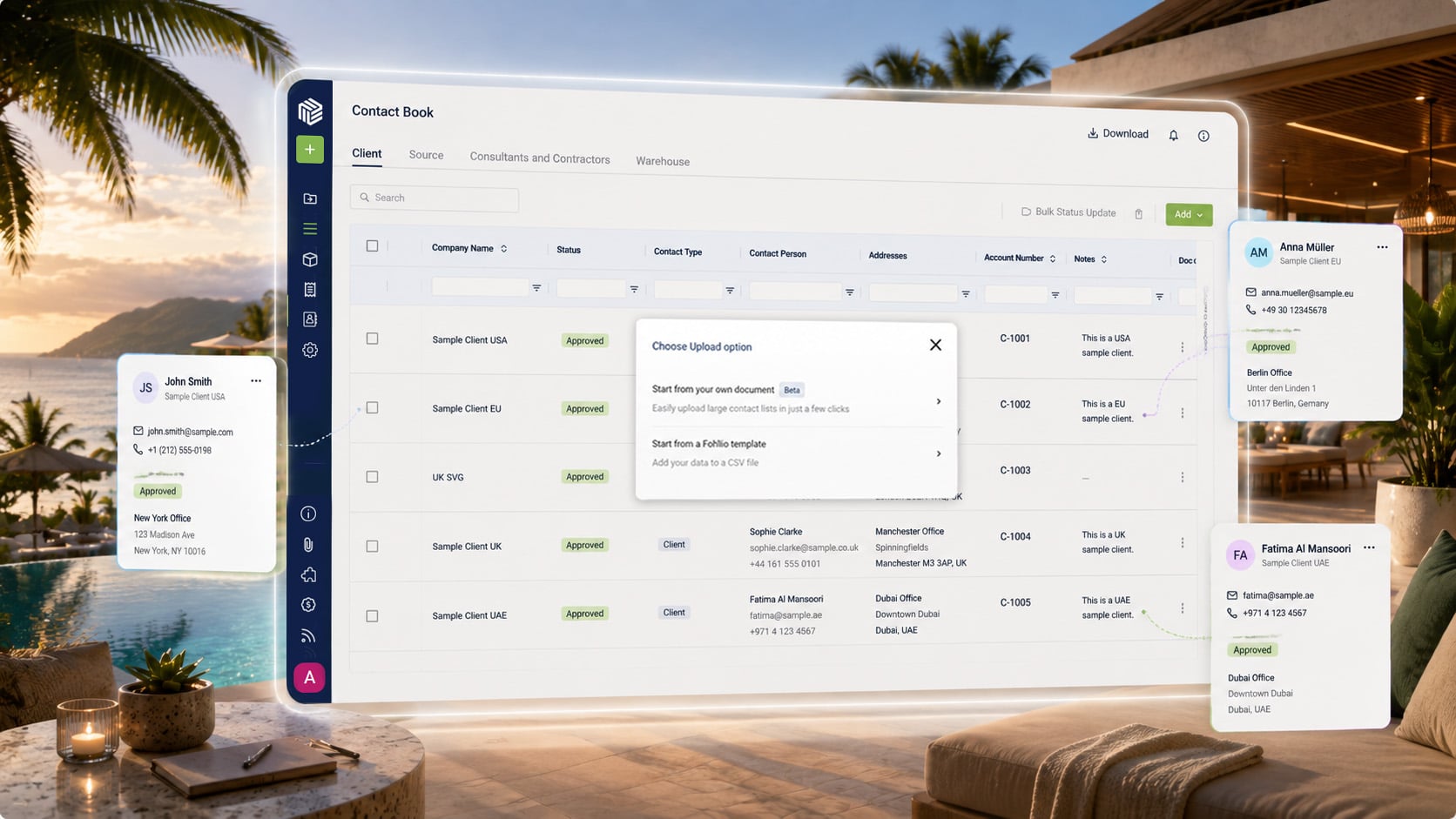
Bringing a list of vendors, suppliers, and clients into a Contact Book has typically meant one of two outcomes: it works cleanly, or it fails and a team is left guessing why. Neither outcome tells a firm which rows didn't make it in, or why a company that should already exist got duplicated.
A firm should be able to import a contact list and know exactly what happened to every row — not just whether the import succeeded overall.
What's new
Contact Book imports now run through a guided Excel flow. A team selects the worksheet and header row, maps each spreadsheet column to a Contact Book field, and reviews every included company before anything is imported. Companies that already exist in the Contact Book are flagged clearly, so a team can decide row by row which ones to skip rather than ending up with duplicates.
A downloadable Fohlio template is available directly from the Add menu for teams starting from scratch. And import failures now surface in Fohlio instead of failing silently — a team can see what didn't come through and why.
See the full release updates
Why it matters
- No more duplicate contacts. Existing companies are flagged before import, not discovered afterward when a search turns up two versions of the same vendor.
- Fewer guessing games. Column mapping is explicit, so a team controls exactly where each piece of data lands.
- Visible failures. When something doesn't import, the team knows immediately — instead of assuming everything went through and finding gaps weeks later.
Use cases
- Migrating a vendor list from a legacy system: Use the downloadable template to structure an export cleanly, then map columns during import instead of reformatting the spreadsheet by hand.
- Merging contact lists after an acquisition or team change: Duplicate flagging surfaces overlapping vendors and clients so a team can consolidate deliberately.
- Recovering from a bad import: When an import fails on certain rows, those failures are visible in Fohlio, so the fix is targeted instead of a full re-upload.
A Contact Book is only as reliable as the data that goes into it. This update makes sure a team can trust what came through — and knows immediately when something didn't.