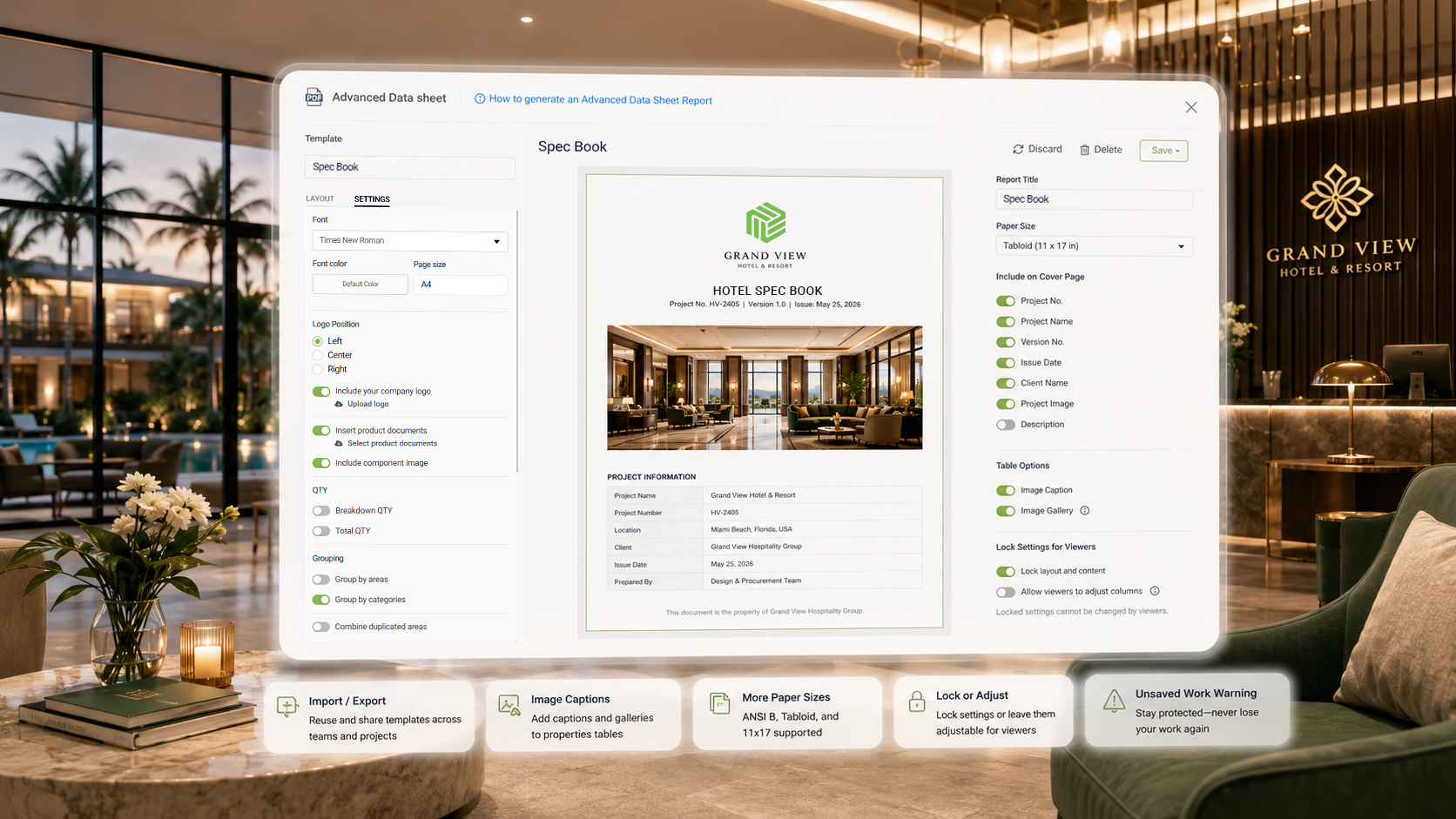
A report template that looks right on screen doesn't always print or export the way a team expects — paper sizes that don't match what a client needs, images that lack context, a viewer who accidentally changes a setting that was supposed to stay fixed. These aren't dramatic problems individually, but they're the kind of friction that adds up every time a report goes out the door.
A firm should be able to build a report template once and trust it will hold up every time it's used — not just the first time.
What's new
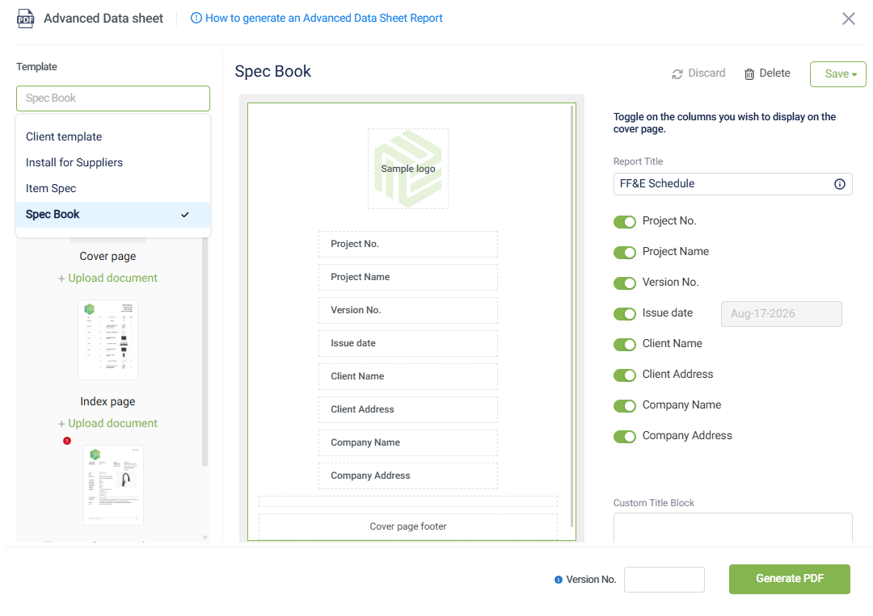
This release brings a set of refinements to Report Builder: template import/export for reusing and sharing templates across teams or projects, image captions and galleries within Properties Tables, and support for ANSI B, Tabloid, and 11×17 paper sizes. Template authors can now lock specific settings for viewers, or leave them adjustable, depending on how much control a given report should allow. A new unsaved-work warning helps prevent losing edits when navigating away from a report mid-edit.
See the full release updates
Why it matters
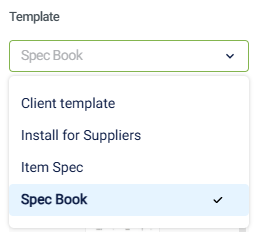
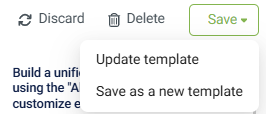
- Templates that travel. Import/export makes it possible to reuse a template across projects or share it with another team member without rebuilding it.
- Clearer visual context. Captions and galleries in Properties Tables mean images can carry the information a client needs to interpret them, not just sit there unlabeled.
- Predictable output. Locked viewer settings mean a report generates the same way every time it's used, regardless of who's running it.
- Fewer lost edits. The unsaved-work warning catches the moment before work would otherwise disappear.
Use cases
- Sharing a proven template across projects: Export a report template that's worked well for one client engagement and import it directly into another project instead of rebuilding it from scratch.
- Presentation-ready spec sheets: Add captions to product images in a Properties Table so a client-facing report explains what they're looking at without a separate legend.
- Large-format print jobs: Generate reports in ANSI B or Tabloid sizing when a document needs to go beyond standard letter-size output.
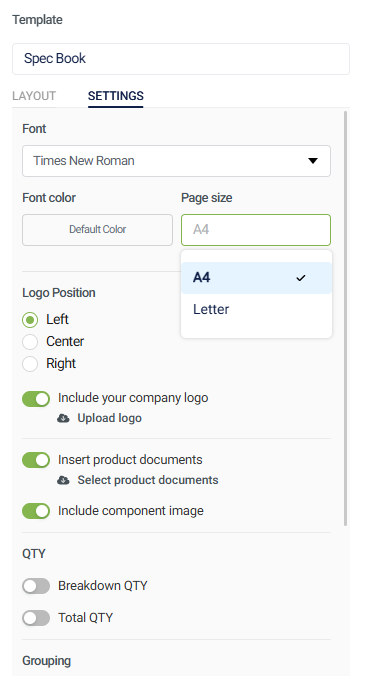
- Protecting a standardized report: Lock key settings on a firm-wide template so team members can use it without accidentally altering the structure it was built with.
Small refinements like these are what make a report template something a firm can standardize on — not just something that works well once.