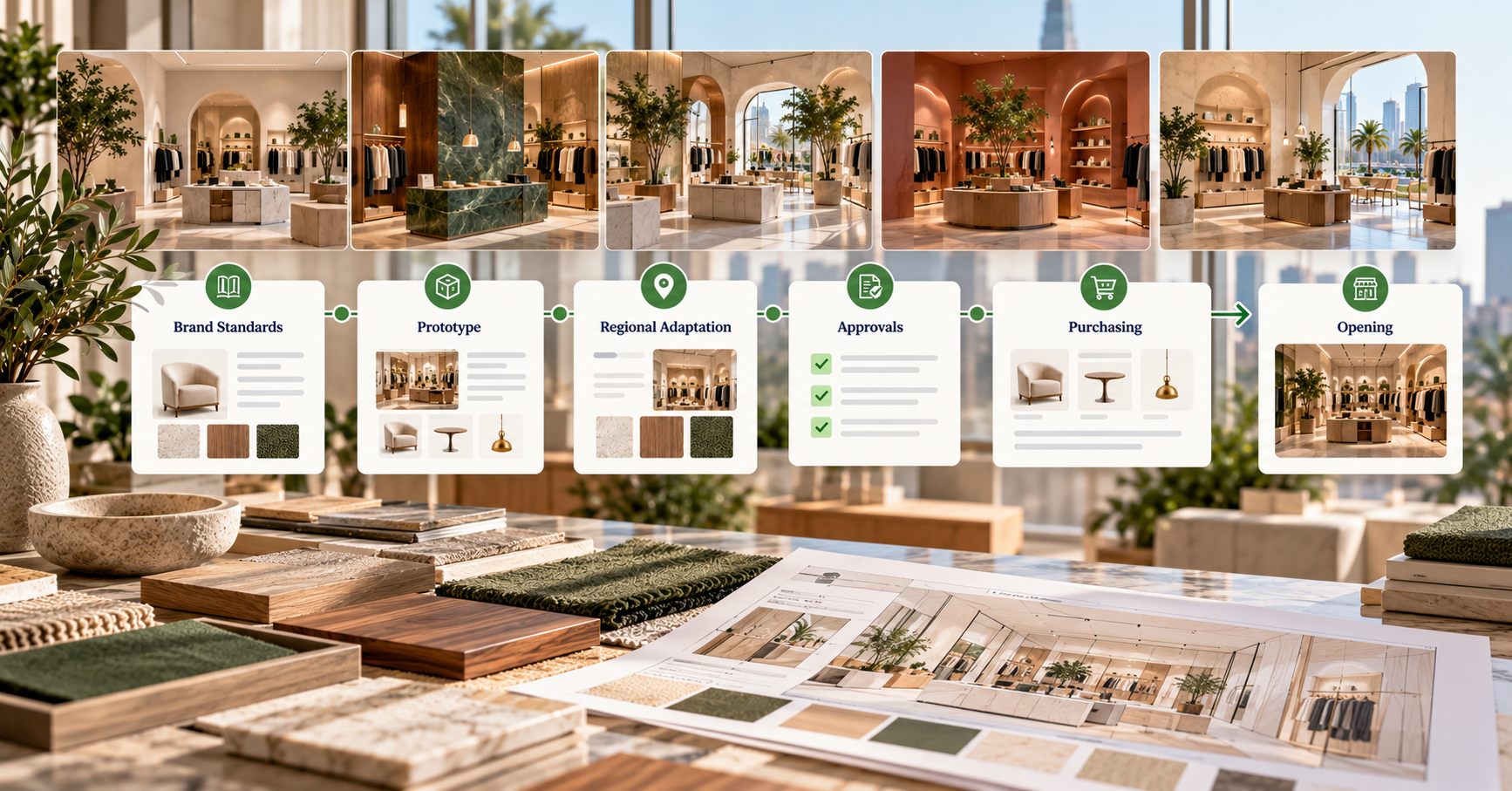
Every rollout conversation lands on standardization sooner or later. The real question is what to standardize.
The obvious answer is the store itself: one approved set of fixtures, copied everywhere. That works for value chains with plain, functional interiors. It doesn't work for brands whose stores are the reason customers pay a premium. In upper-mid and luxury retail, the fitting rooms, materials, and atmosphere carry the brand. Identical boxes wear that down.
The better answer: standardize the process that produces each store, and let the design flex inside clear brand boundaries. The feel stays consistent everywhere. The stores don't have to match.
Why identical stores aren't the goal

Retailers still hire designers for each opening for a reason. Sites differ in footprint, landlord, code, and neighborhood, and customers notice when a store feels generic. Brand standards exist to set limits, not to remove judgment. They define requirements to meet, preferred products and vendors to choose from, and a palette and mood to hold.
Those boundaries move over time, and every store has to hear about it. When a Brand Standard Changes, Does Every Store Know? covers how to push changes through a fleet.
What does "standardize the process" actually mean?
A rollout process is the agreed answer to three questions for every item in every store:
- Who enters or approves this information?
- What information, in which fields?
- By when, counted back from the opening date?
A typical store passes through preliminary review, regional review, and final sign-off. Designers specify. Regional project managers confirm pricing, lead times, and order status. Procurement places orders. Many fields depend on others: an order date can't be set until approval is in, and approval can't happen until the spec is complete.
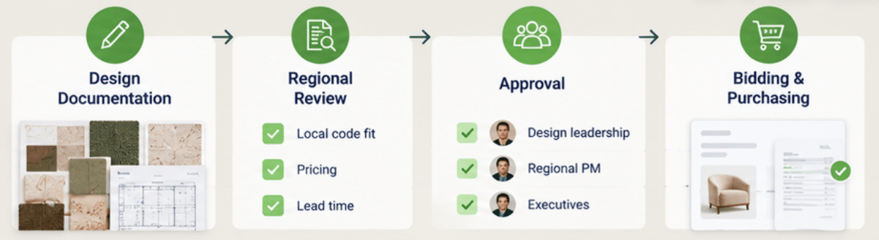
| Stage |
Who |
What they owe the project |
| Design documentation |
Designers |
Item, finish, dimensions, vendor, drawings |
| Regional review |
Regional PM, local architect |
Local code fit, pricing, lead time |
| Approval |
Design leadership, executives |
Sign-off on the current version |
| Bidding and purchasing |
Procurement |
Quotes, order date, PO status |
Why the process breaks first at scale
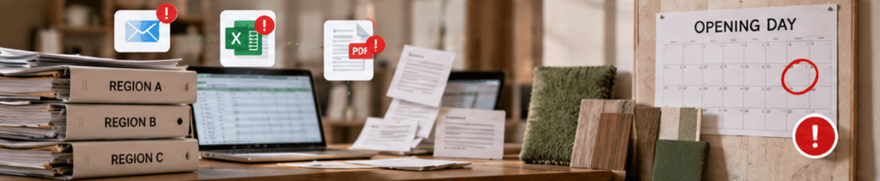
One store can run on goodwill and memory. Twenty-five stores across several regions can't. Teams turn over, consultants come and go, and each region builds its own spreadsheet. Information arrives late or lands in the wrong file, and the opening date absorbs the delay. Where Store Rollouts Break: Design to Procurement traces where that handoff usually fails.
Retail also has less slack than most sectors. A hotel can welcome guests while one wing is finished. A store can't open with half its fitting rooms missing. Every late field is a risk to opening day, and a late opening is lost sales.
How to standardize the process
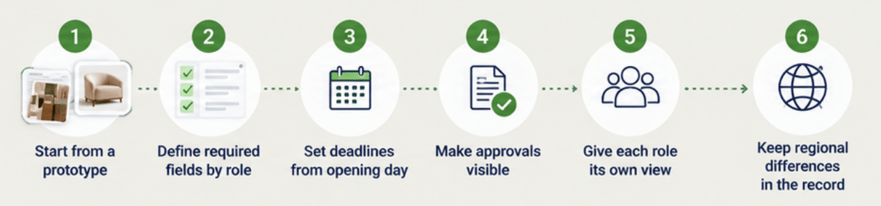
- Start every store from a prototype project, not a blank sheet. Central teams own the prototype; regional teams adapt it. Central Design, Regional PMs explains the model.
- Define required fields by stage and by role, so everyone knows what they owe and when.
- Set deadlines backward from opening day. Custom pieces need the most lead. Precision by Design covers how to spec custom work so it survives each handoff.
- Make approvals visible on the item, with a record of who signed off on which version. See Approval Trails for Multi-Team Store Rollouts.
- Give each role its own view of the same data, instead of separate files that drift.
- Keep regional differences inside the record. Local codes, currencies, and taxes should be settings, not side spreadsheets. Multi-Currency FF&E Procurement for International Store Rollouts shows what that looks like.
What a standardized process gives designers
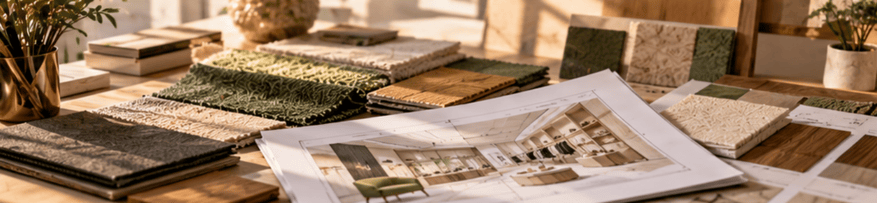
Process standardization can sound like a constraint on creative teams. In practice it frees them. When the data, deadlines, and approvals run on rails, designers spend less time chasing status and more time on the parts of the store customers actually feel. The process is predictable so the design doesn't have to be.
Where Fohlio fits
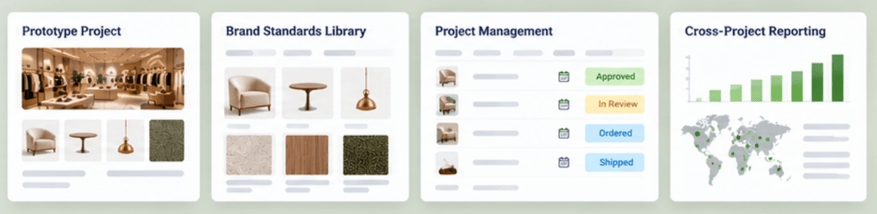
Fohlio covers the stages where process matters most: design documentation, construction documentation, and bidding and purchasing.
- Prototype projects. Central teams duplicate a prototype for each store and invite the regional team to adapt it.
- Brand standards library. Requirements, preferred products, and qualified vendors in one place, with change notifications to the projects that use them.
- Statuses, dates, and approval columns per item. Everyone can see what's owed, by whom, and what's been signed off.
- Role-based dashboards and permissions. Design and procurement work on the same project sheet, each with the fields they need.
To see how retail teams standardize the process without flattening the design, book a demo.
Frequently asked questions
What should retailers standardize in a store rollout?
The process: who enters and approves each piece of information, which fields they complete, and the deadline for each, counted back from the opening date. Design should stay flexible within brand standards.
Do brand standards make every store look the same?
They shouldn't. Strong brand standards set requirements and list preferred products and vendors, leaving designers room to adapt each store to its site and market while keeping the brand's feel.
What is a store prototype?
A store prototype is a template project for a store type, with its standard items, layouts, and quantities. Each new store starts as a copy of the prototype, then gets adapted to its footprint and location.
Why do store rollouts fall behind schedule?
Usually because information arrives late or in the wrong place: specs not finalized, approvals missing, or changes that never reach procurement. Each gap pushes orders back, and long-lead custom items push the opening date with them.